๐ŸŽฎ Play Super Smash Bros. Online (Nintendo 64)

๐ŸŽฒ NEXT RANDOM GAME
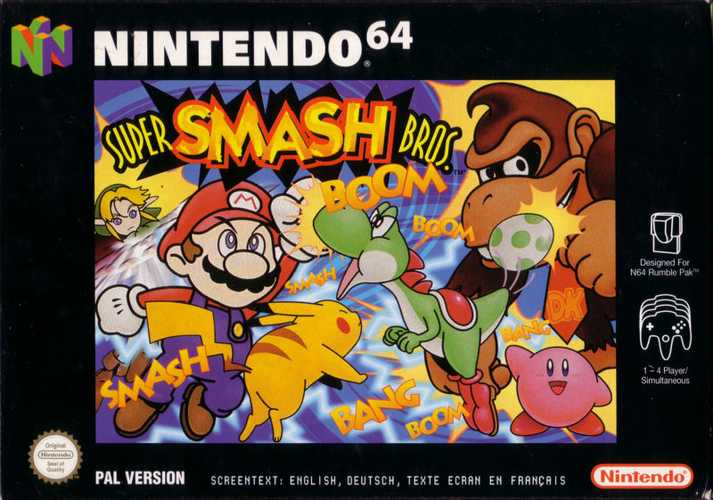
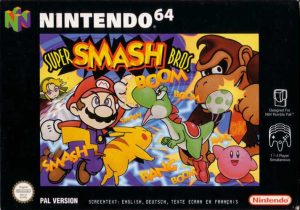
Super Smash Bros. cover art
SAVE SLOTS:

๐Ÿ•น๏ธ GAME CONTROLS

Action / ButtonKeyboard Key
D-Pad (Up / Down / Left / Right)Arrow Keys
Button AZ or J
Button BX or K
Button X / Turbo AA or U
Button Y / Turbo BS or I
SelectShift
StartEnter

๐Ÿ’ก Tip: You can also connect any USB / Bluetooth Gamepad controller!

Game Rating & Player Reviews: โญ Not rated yet
โ€“
โ˜†โ˜†โ˜†โ˜†โ˜†
Be the first to rate
Rate this game (Click 1 to 5 stars):
โ˜… โ˜… โ˜… โ˜… โ˜…

✏️ Suggest an edit to Super Smash Bros.

๐Ÿšฉ Report Issue with Super Smash Bros.:

๐ŸŽฎ VISUAL CONTROLLER MAPPING & GAMEPAD DIAGRAM Auto-Detect: Active
L1 / LB R1 / RB SELECT START Y X A B RETRO ARCADE
Gamepad InputRetro FunctionKeyboard Key
D-Pad / AnalogCharacter Movement / Steeringโ–ฒ โ–ผ โ—„ โ–บ
Button A (East)Primary Action / Attack / FireZ / K
Button B (South)Secondary / Jump / CancelX / J
Button X / YSpecial / Turbo / Extra FireA / S
SelectInsert Coin / Select OptionRight Shift
StartGame Start / Pause GameEnter
Game info: ๐Ÿ‘๏ธ 194 plays
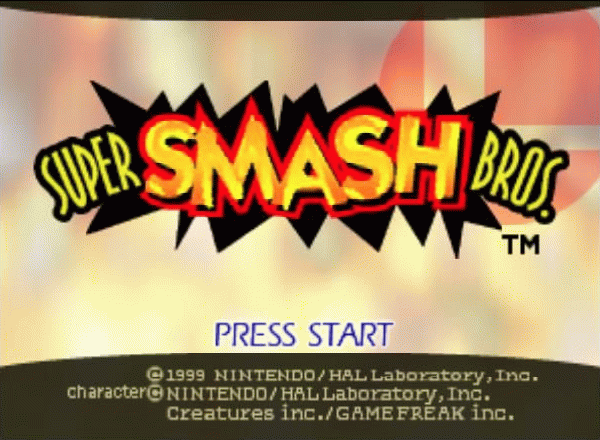
Super Smash Bros.
box cover
Game title:Super Smash Bros.
Platform:Nintendo 64
Author (released): Nintendo (1999)
Genre:Action, Fighting
Mode:Single-player
Game size:12255 kB
Emulator Core:N64
Game Manual: ๐Ÿ“– Official Manual (Built-in)
Share Game:
License:Freeware / Abandonware
Available online emulators for Super Smash Bros.:

Different online emulators are available for Super Smash Bros.. Select an emulator core below for optimal performance:

Emulator Core EngineTechnologyMultiplayerGamepadTouchAdsAction / Switch
EmulatorJS (Default WebAssembly) WebAssembly / JSYESYES YESNO โ–ถ ACTIVE
Nintendo 64 (Recommended) WebAssembly / LibretroYESYES YESNO PLAY โšก
ParaLLEl N64 WebAssembly / LibretroYESYES YESNO PLAY โšก
Game description:

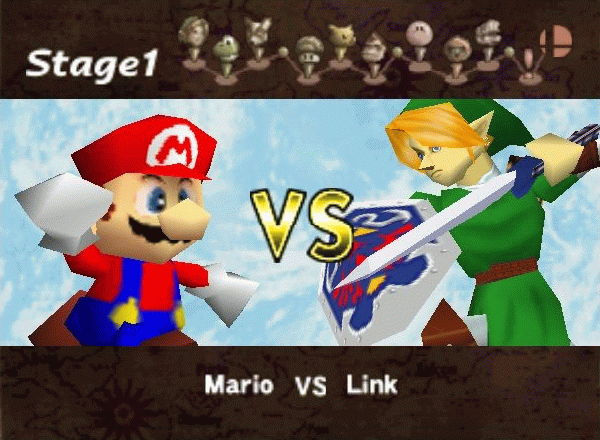
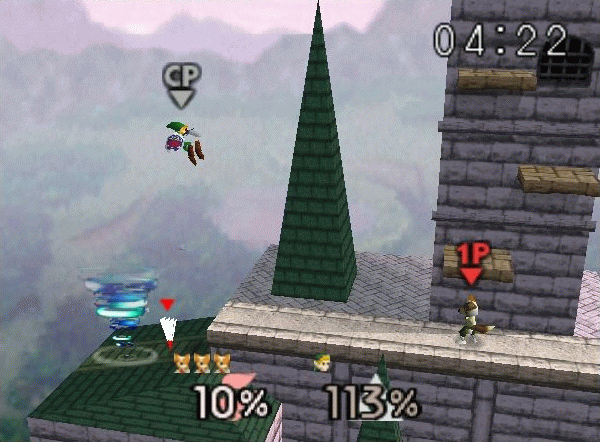
Super Smash Bros. is the foundational 1999 Nintendo 64 action and fighting game published by Nintendo that established the mascot brawler genre. Instead of traditional health bars, this crossover pits icons like Mario, Link, and Pikachu against each other in arenas where the goal is to build up the opponent's damage percentage until they can be easily launched off the screen.

How to play

The objective is to knock opponents off the stage boundaries to score points or eliminate their stock. The browser emulator typically maps the N64 analog stick to your arrow keys for movement. Use the Z and X keys for standard (A) and special (B) attacks, and Enter for Start. Combining a directional input with an attack button performs different moves, including powerful Smash attacks to launch high-damage enemies.

Tips

  • Master your character's Up + Special move to recover and make it back to the stage when you are knocked off the edge.
  • Use grabs and throws to counter an opponent who is heavily shielding against your standard attacks.
  • Items can turn the tide of a match quickly; prioritize grabbing powerful items like the Hammer or Maxim Tomato before your opponents do.
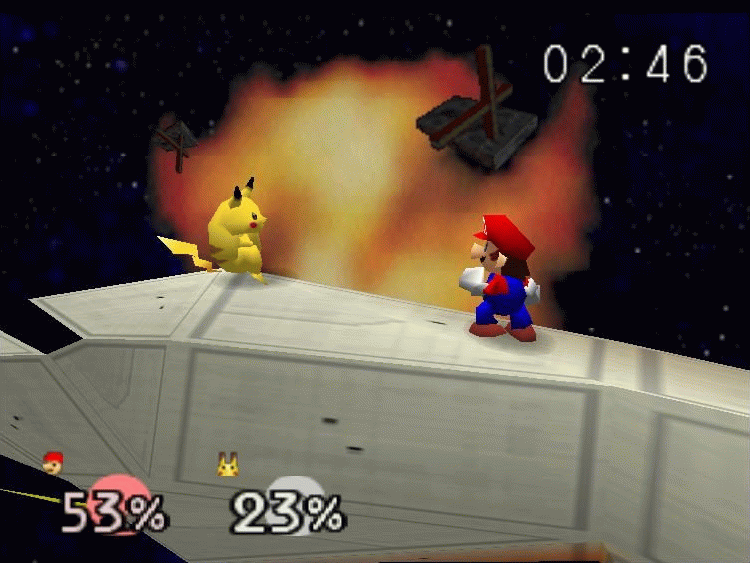
Screenshots:
Super Smash Bros. Screenshot
Player Comments & Discussion: 0 Comments

Leave a Comment / Review:

No comments yet. Be the first gamer to sign the guestbook!