
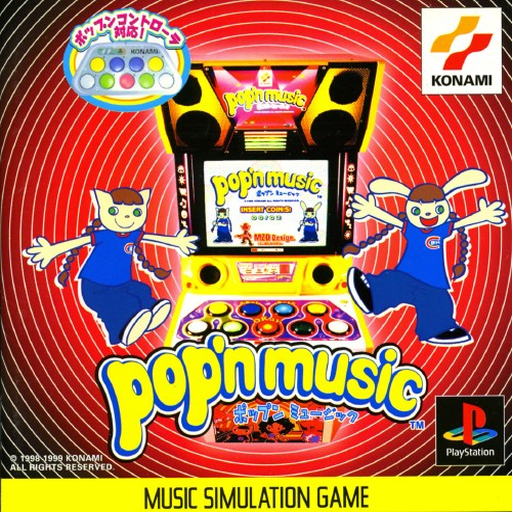
Pop’n Music is a vibrant rhythm game developed by Konami, originally released in arcades and brought to the PlayStation in 1999. As a staple of the Bemani series, the game challenges players to hit nine distinct buttons in time with falling colorful notes across a wide variety of energetic tracks. With its quirky animated characters and catchy music spanning multiple genres, this Japanese release delivers a classic arcade music experience straight to your browser.
How to Play
The objective is to tap the correct buttons exactly as the falling notes cross the target line at the bottom of the screen to keep your groove gauge filled. Since this is the PlayStation version running in the browser, the standard PS1 controller is mapped to your keyboard:
- D-Pad (Up, Down, Left, Right): Arrow Keys
- Cross (X) / Circle (O): Z / X
- Square / Triangle: A / S
- L1 / L2: Q / W
- R1 / R2: E / R
- Start / Select: Enter / Shift
Tips
- Find your layout: Since the original game used a row of nine large arcade buttons, adapting to a standard controller layout can be tricky. Take time on lower difficulties to memorize which fingers rest on which keys.
- Look ahead: Avoid staring only at the target line. Looking slightly higher up the screen gives you more time to anticipate complex note patterns before they reach the bottom.




Leave a Comment / Review: