

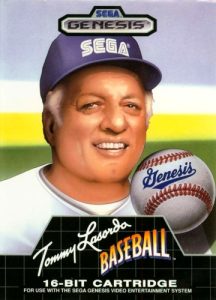
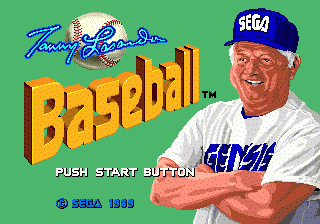
Tommy Lasorda Baseball launched alongside the Sega Genesis in North America in 1989, endorsed by the legendary Los Angeles Dodgers manager. The Japanese release was called Super League. Full MLB licensing was rare at the time, so the teams carry regional rather than official names, but the game delivers the complete pitching, batting, and fielding cycle that baseball demands — with smooth sprite animations and FM-synthesized audio that helped the Genesis stand apart from the competition.
How to play
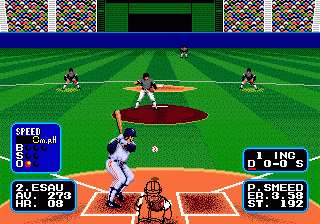
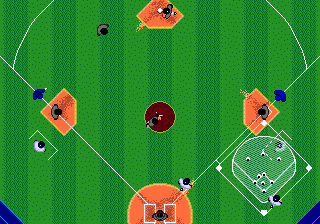
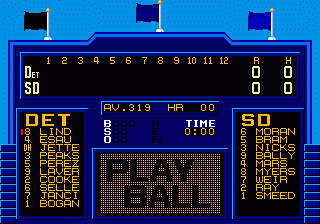
The D-pad (arrow keys) moves base runners and positions outfielders. The three Genesis face buttons — A, B, C — map to S, X, Z on keyboard. When batting, press a face button to swing as the pitch arrives; the timing window is narrow, so read the pitch before committing. When pitching, select your pitch type with a face button and aim with the D-pad before you throw. Start (Enter) opens the lineup and substitution screen.
Tips
- Hold off until the ball is nearly at the plate before swinging — early cuts produce weak contact. Patience at the plate is the main batting skill.
- Vary pitch location between at-bats: a batter who just saw a fastball low and away will sit on that location, so go up and inside next time.
- Two-player mode is where the game holds up best — the CPU becomes readable after a few games, but a human opponent keeps every at-bat competitive.

Leave a Comment / Review: