๐ŸŽฎ Play Fidelity Chessmaster 2100, The Online (DOS)

๐ŸŽฒ NEXT RANDOM GAME
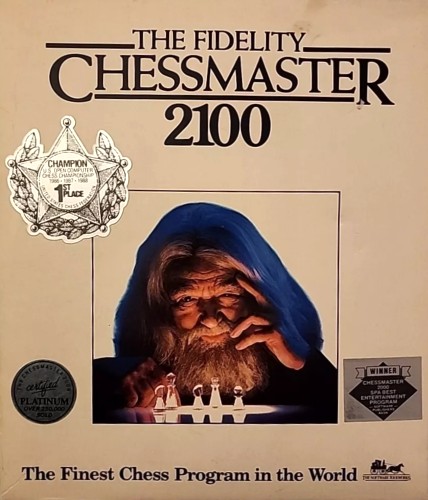
Fidelity Chessmaster 2100, The cover art
SAVE SLOTS:

๐Ÿ•น๏ธ GAME CONTROLS

Action / ButtonKeyboard Key
D-Pad (Up / Down / Left / Right)Arrow Keys
Button AZ or J
Button BX or K
Button X / Turbo AA or U
Button Y / Turbo BS or I
SelectShift
StartEnter

๐Ÿ’ก Tip: You can also connect any USB / Bluetooth Gamepad controller!

Game Rating & Player Reviews: โญ Not rated yet
โ€“
โ˜†โ˜†โ˜†โ˜†โ˜†
Be the first to rate
Rate this game (Click 1 to 5 stars):
โ˜… โ˜… โ˜… โ˜… โ˜…

✏️ Suggest an edit to Fidelity Chessmaster 2100, The

๐Ÿšฉ Report Issue with Fidelity Chessmaster 2100, The:

๐ŸŽฎ VISUAL CONTROLLER MAPPING & GAMEPAD DIAGRAM Auto-Detect: Active
L1 / LB R1 / RB SELECT START Y X A B RETRO ARCADE
Gamepad InputRetro FunctionKeyboard Key
D-Pad / AnalogCharacter Movement / Steeringโ–ฒ โ–ผ โ—„ โ–บ
Button A (East)Primary Action / Attack / FireZ / K
Button B (South)Secondary / Jump / CancelX / J
Button X / YSpecial / Turbo / Extra FireA / S
SelectInsert Coin / Select OptionRight Shift
StartGame Start / Pause GameEnter
Game info: ๐Ÿ‘๏ธ 100 plays
Fidelity Chessmaster 2100, The
box cover
Game title:Fidelity Chessmaster 2100, The
Platform:DOS
Author (released): Software Toolworks (1988)
Genre:Puzzle
Mode:Multiplayer
Game size:315 kB
Emulator Core:DOS
Game Manual: ๐Ÿ“– Official Manual (Built-in)
Share Game:
License:Freeware / Abandonware
Available online emulators for Fidelity Chessmaster 2100, The:

Different online emulators are available for Fidelity Chessmaster 2100, The. Select an emulator core below for optimal performance:

Emulator Core EngineTechnologyMultiplayerGamepadTouchAdsAction / Switch
EmulatorJS (Default WebAssembly) WebAssembly / JSYESYES YESNO PLAY โšก
MS-DOS (Recommended) WebAssembly / LibretroYESYES YESNO PLAY โšก
JS-DOS v3.0 / DOSBox Engine Emscripten C++YESYES NONO โ–ถ ACTIVE
Game description:

Released by Software Toolworks in 1988, The Fidelity Chessmaster 2100 is a comprehensive DOS chess game that brought a highly advanced chess engine to home computers. Expanding on its predecessor, this entry offered players a rich strategy experience with multiple difficulty levels, detailed tutorials, and a massive library of classic matches, making it a powerful tool for both beginners and seasoned players.

How to play

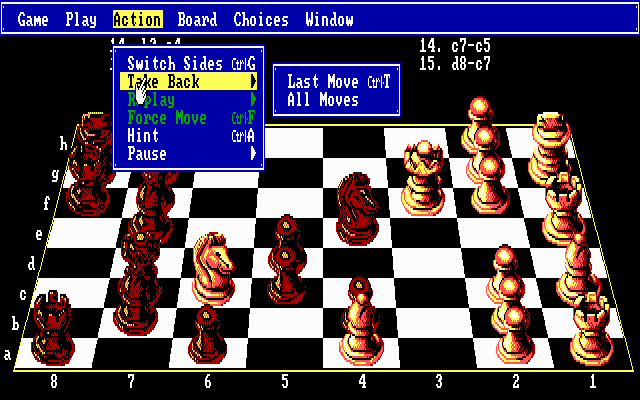
The objective is to defeat your opponent by placing their king in checkmate. On DOS, the game is typically controlled using the mouse or keyboard. Use the arrow keys to navigate the board and press Enter to select and move your pieces. The drop-down menus at the top of the screen allow you to change the board view, request hints, and adjust the engine’s skill level.

Tips

  • Take advantage of the game’s opening library to study classic strategies and improve your early-game positioning.
  • If you are a beginner, adjust the computer’s difficulty or restrict its thinking time to reduce its calculation depth and make matches more forgiving.
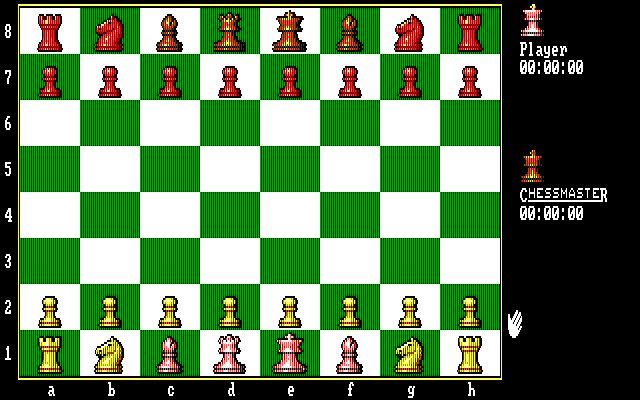
Screenshots:
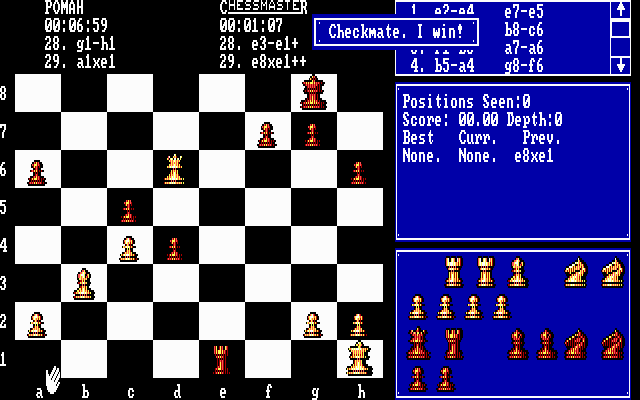
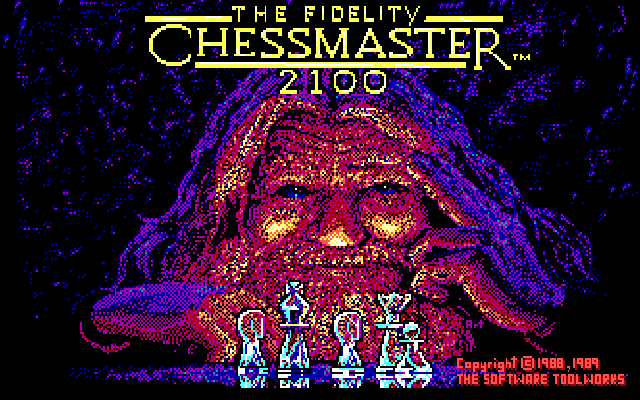
Fidelity Chessmaster 2100, The Screenshot
Player Comments & Discussion: 0 Comments

Leave a Comment / Review:

No comments yet. Be the first gamer to sign the guestbook!