
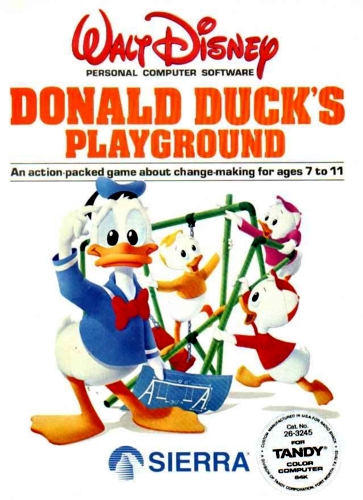

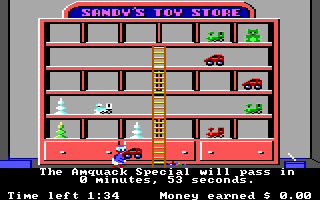
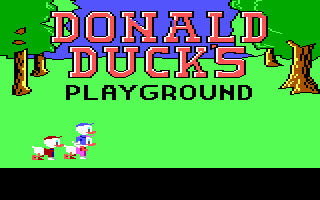
In the 1984 educational DOS classic Donald Duck’s Playground by Sierra On-Line, you guide Donald through four distinct jobs to earn money for a new park for his nephews. Working at the produce stand, toy store, railroad, and airport teaches young players basic math, change-making, and matching skills as they save up for slides, trampolines, and swings.
How to play
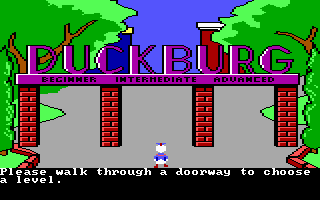
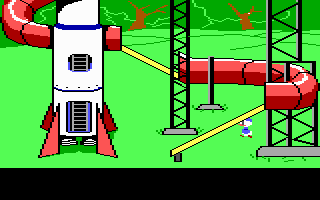
Each job operates as a mini-game where you must match items or sort cargo within a time limit, after which you visit the shops to buy playground equipment and arrange it on the screen. The game relies on standard DOS keyboard controls—use the arrow keys to navigate and Enter or Space to interact. Since the game is running through an in-browser emulator, you can press Right Alt + Enter to toggle fullscreen mode.
Tips
- When buying equipment, you are responsible for handling the transaction by selecting the correct coins and bills to match the price, so count carefully.
- Start with the toy store or produce stand, as they offer a more forgiving pace for beginners compared to the fast-moving train and airport shifts.
Leave a Comment / Review: