๐ŸŽฎ Play Chessmaster 3000 Online (DOS)

๐ŸŽฒ NEXT RANDOM GAME
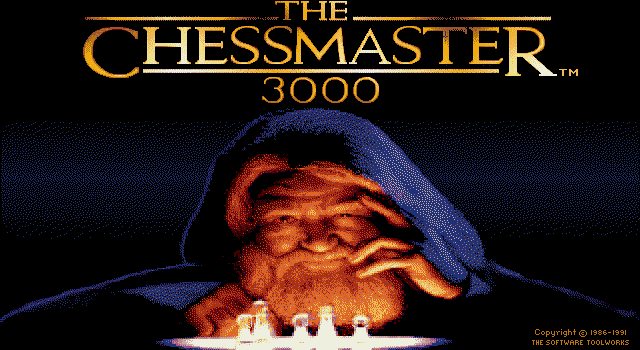
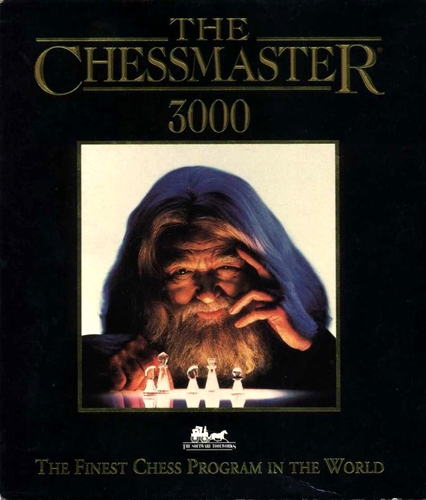
Chessmaster 3000 cover art
SAVE SLOTS:

๐Ÿ•น๏ธ GAME CONTROLS

Action / ButtonKeyboard Key
D-Pad (Up / Down / Left / Right)Arrow Keys
Button AZ or J
Button BX or K
Button X / Turbo AA or U
Button Y / Turbo BS or I
SelectShift
StartEnter

๐Ÿ’ก Tip: You can also connect any USB / Bluetooth Gamepad controller!

Game Rating & Player Reviews: โญ Not rated yet
โ€“
โ˜†โ˜†โ˜†โ˜†โ˜†
Be the first to rate
Rate this game (Click 1 to 5 stars):
โ˜… โ˜… โ˜… โ˜… โ˜…

✏️ Suggest an edit to Chessmaster 3000

๐Ÿšฉ Report Issue with Chessmaster 3000:

๐ŸŽฎ VISUAL CONTROLLER MAPPING & GAMEPAD DIAGRAM Auto-Detect: Active
L1 / LB R1 / RB SELECT START Y X A B RETRO ARCADE
Gamepad InputRetro FunctionKeyboard Key
D-Pad / AnalogCharacter Movement / Steeringโ–ฒ โ–ผ โ—„ โ–บ
Button A (East)Primary Action / Attack / FireZ / K
Button B (South)Secondary / Jump / CancelX / J
Button X / YSpecial / Turbo / Extra FireA / S
SelectInsert Coin / Select OptionRight Shift
StartGame Start / Pause GameEnter
Game info: ๐Ÿ‘๏ธ 113 plays
Chessmaster 3000
box cover
Game title:Chessmaster 3000
Platform:DOS
Author (released): Software Toolworks (1991)
Genre:Puzzle
Mode:Multiplayer
Game size:893 kB
Emulator Core:DOS
Game Manual: ๐Ÿ“– Official Manual (Built-in)
Share Game:
License:Freeware / Abandonware
Available online emulators for Chessmaster 3000:

Different online emulators are available for Chessmaster 3000. Select an emulator core below for optimal performance:

Emulator Core EngineTechnologyMultiplayerGamepadTouchAdsAction / Switch
EmulatorJS (Default WebAssembly) WebAssembly / JSYESYES YESNO โ–ถ ACTIVE
MS-DOS (Recommended) WebAssembly / LibretroYESYES YESNO PLAY โšก
JS-DOS v3.0 / DOSBox Engine Emscripten C++YESYES NONO PLAY โšก
Game description:

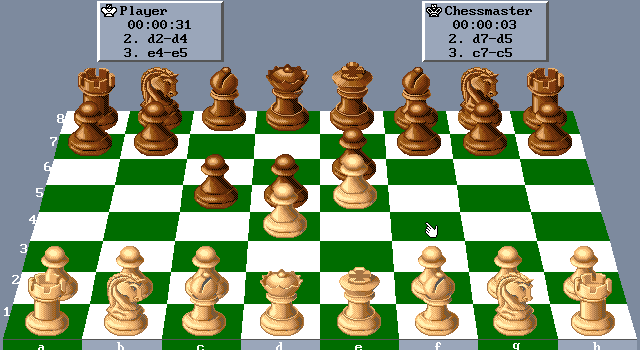
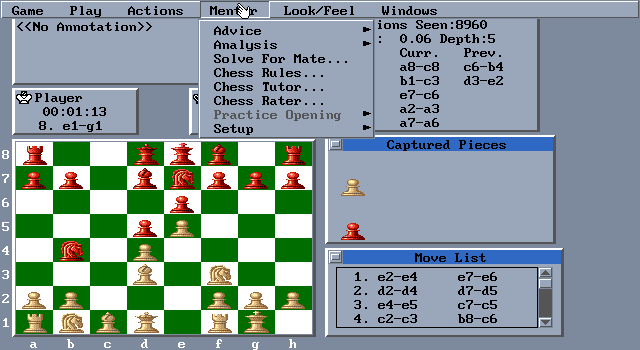
Developed by Software Toolworks and released in 1991, Chessmaster 3000 is a landmark DOS chess simulation that brought deep analytical tools and accessible tutorials to home computers. The game pairs a strong chess engine with an impressive array of AI opponents, each programmed with distinct playing styles, opening book preferences, and skill levels to challenge players from beginners to grandmasters.

How to play

Your goal is to trap the opposing king so it cannot escape capture, achieving checkmate. The game is controlled using the keyboard or a mouse. Use the arrow keys or mouse to navigate menus and select pieces, and press Enter or left-click to place them on the board. For a full-screen experience in the browser, press Right Alt + Enter.

Tips

  • Use the game’s teaching mode to ask the engine for move recommendations when you are stuck. It not only suggests a move but explains the reasoning behind it.
  • Instead of always playing the strongest AI, practice against specific “personalities” in the roster to learn how to defend against highly aggressive or unorthodox play styles.
  • Explore the library of historic grandmaster matches included on the game to study classic opening principles and endgames.
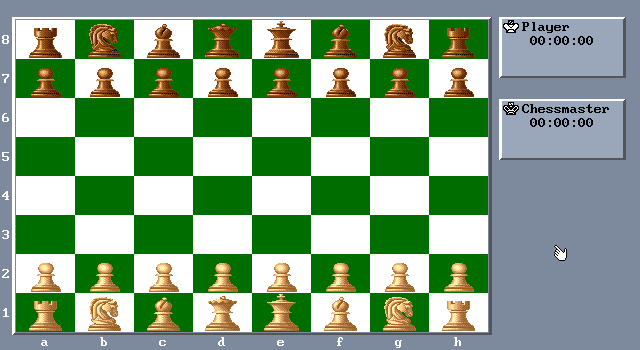
Screenshots:
Chessmaster 3000 Screenshot
Player Comments & Discussion: 0 Comments

Leave a Comment / Review:

No comments yet. Be the first gamer to sign the guestbook!